 AppiOS
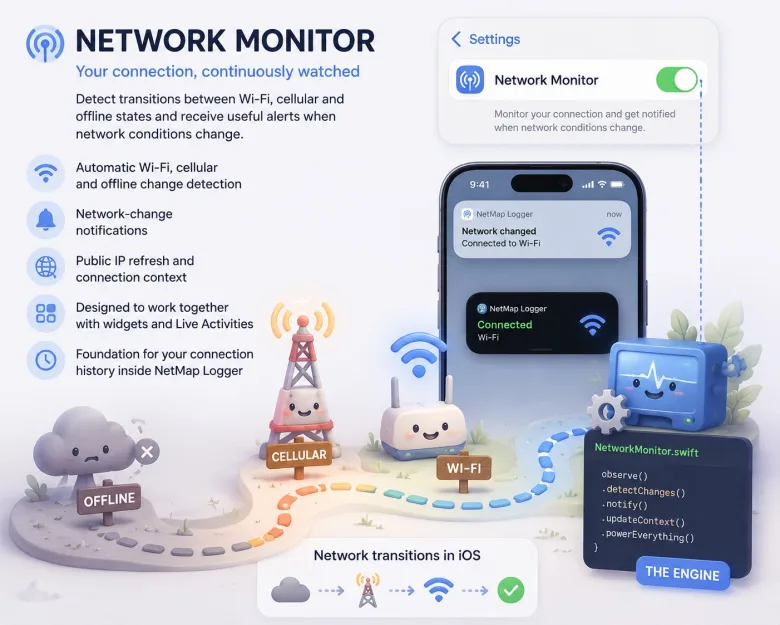
Network Monitor & NetMap Logger
Track Wi-Fi and cellular transitions, review connection history on a map and see network status through widgets and Live Activities.
Network diagnostics / iPhone & iPad
Troubleshoot a slow connection, see what changed on your network and inspect suspicious websites. Go from a quick check to a detailed diagnosis in one app.
View on the App Store
Inside the app
Track Wi-Fi and cellular transitions, review connection history on a map and see network status through widgets and Live Activities.
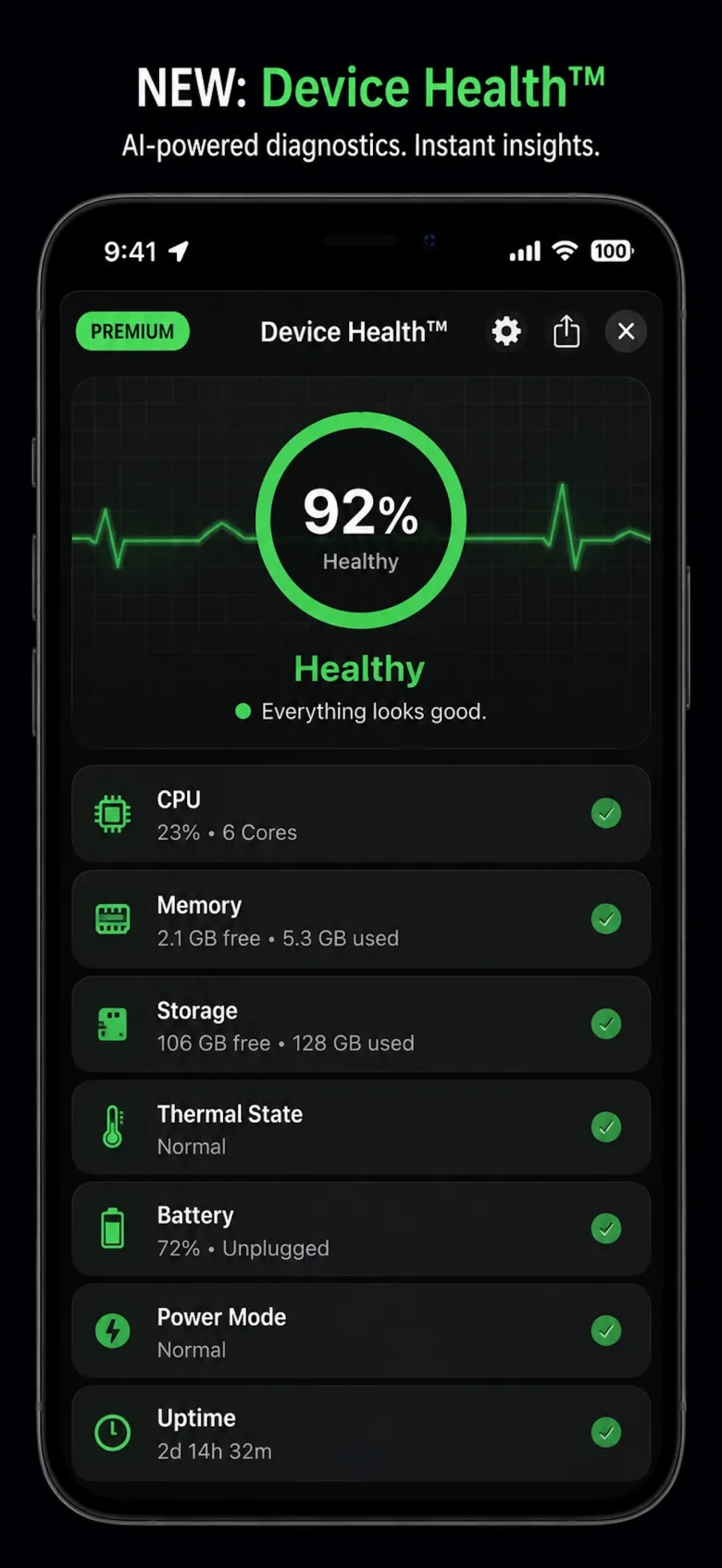
Inspect battery, storage, memory and thermal signals, and use Device Health Alerts to spot changes.
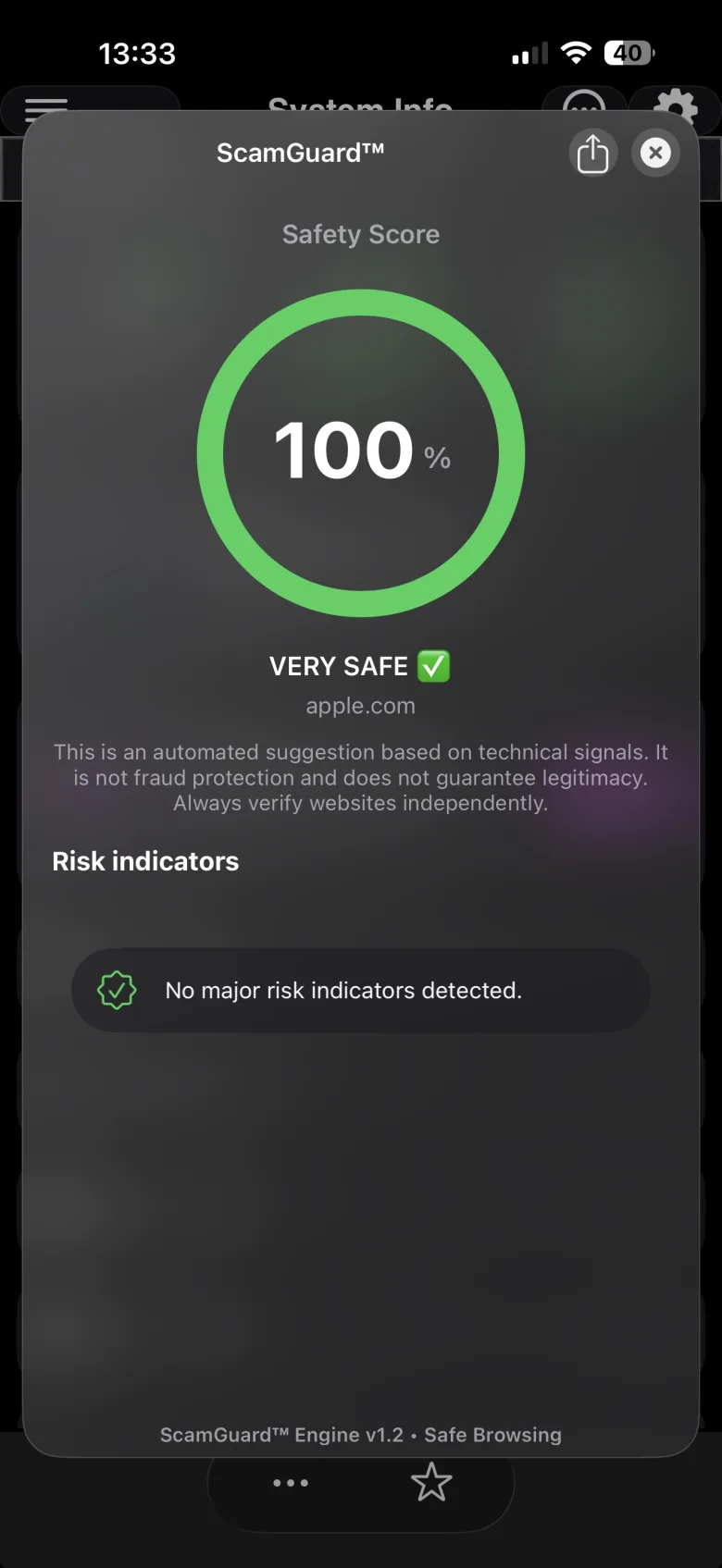
Check suspicious URLs with ScamGuard and inspect site security with SiteGuard. Use SSLGuard and DomainGuard to track certificate and domain expiry. Secure Browser brings risk checks into the browsing workflow.
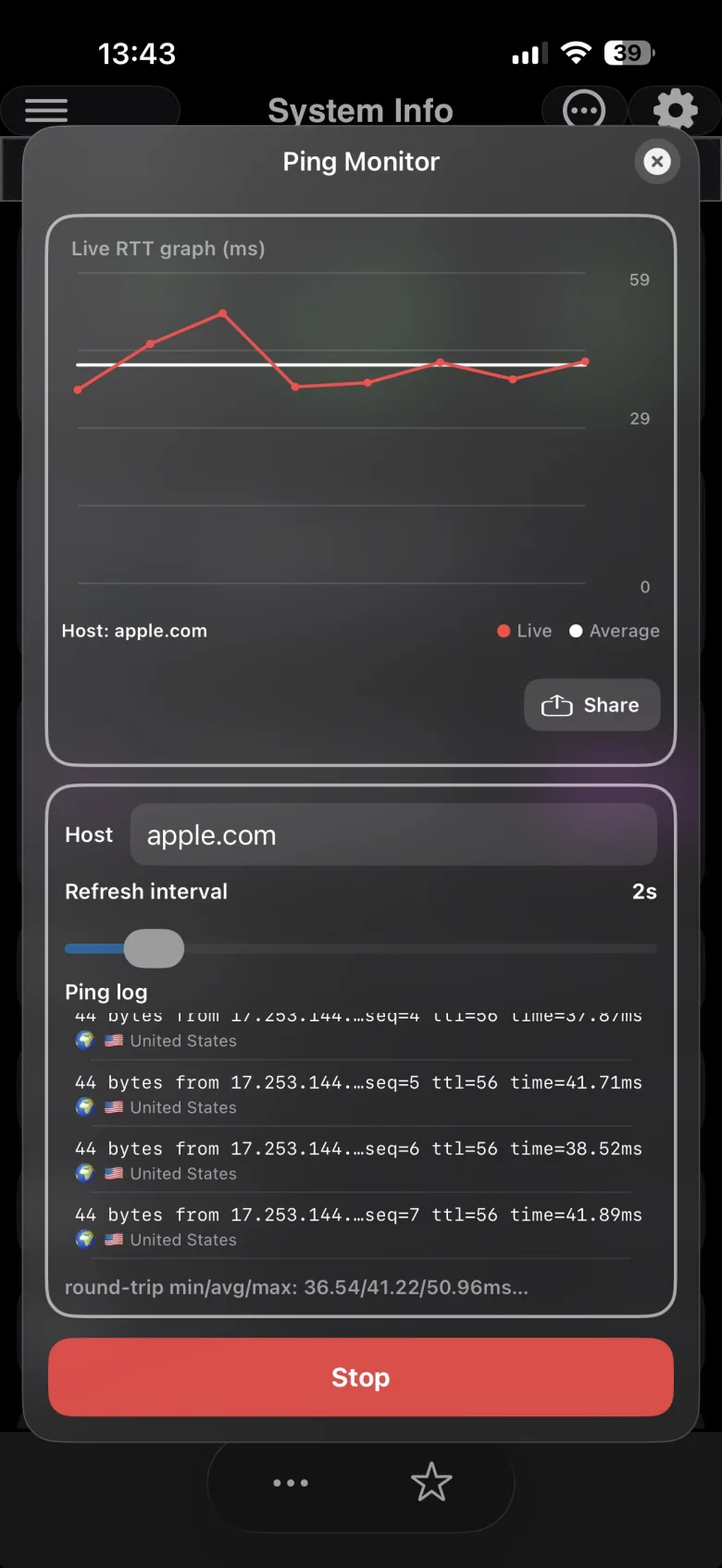
Measure latency and packet loss, follow the route to a host, or visualize the route with GeoTrace.
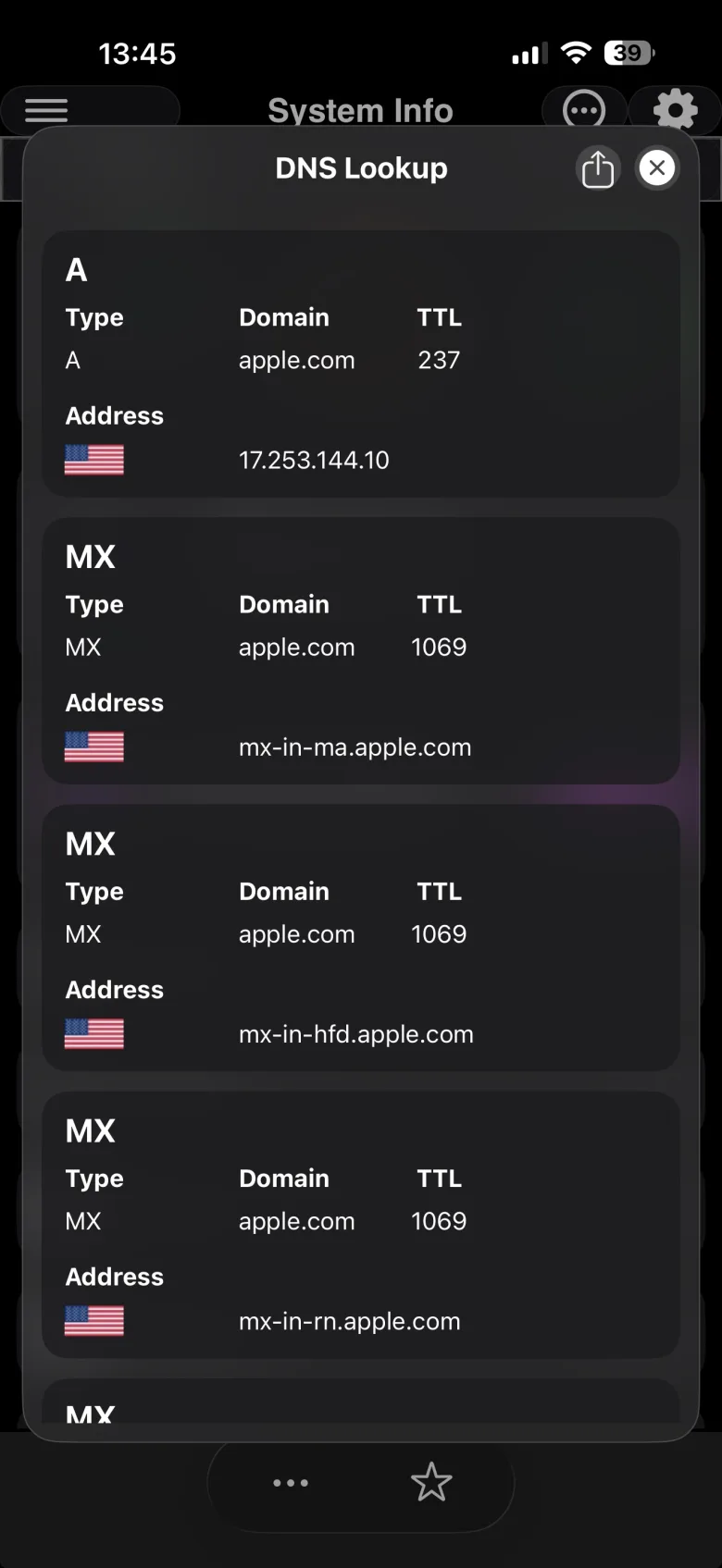
Inspect DNS records, compare resolver results and look up domain registration or blacklist information.
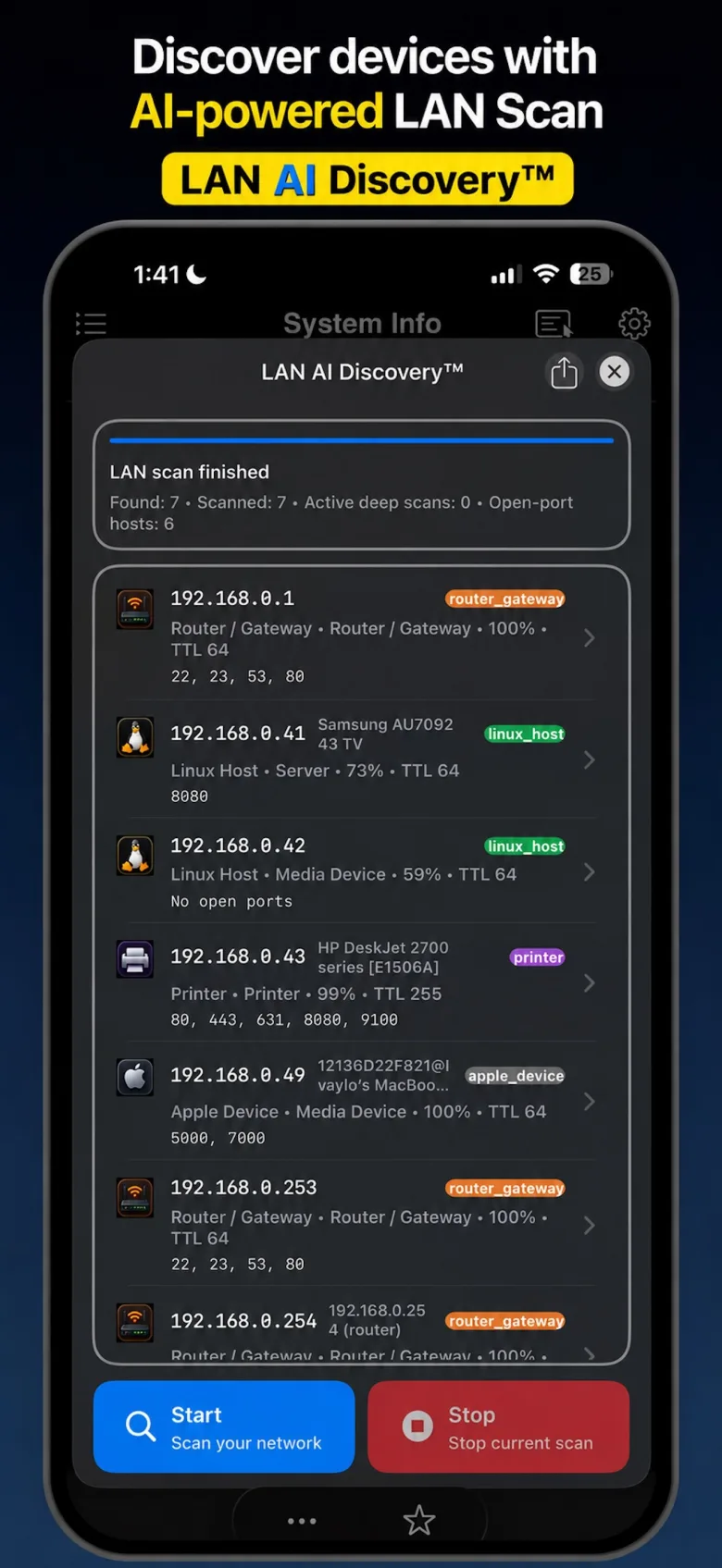
Discover devices on your local network and inspect open ports. Use AR Wi-Fi Signal and System Info for more context.
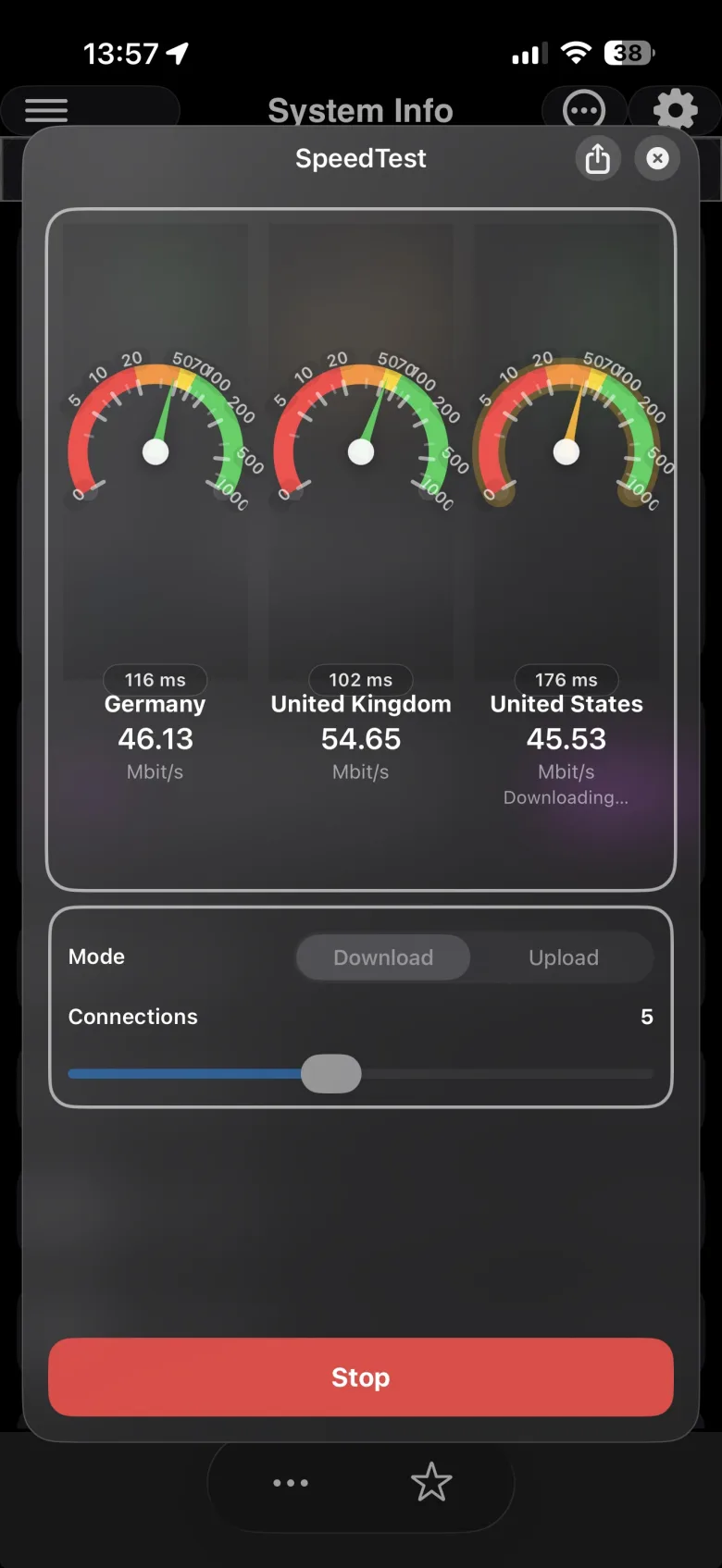
Check download and upload performance when troubleshooting a slow connection.